A Domain typically Costs around Rs 1500 to Rs 2000 per year, but you can get it free for a lifetime. It means around 1 lakh savings in your whole life. In this Blogging tutorial, you will learn how to get a domain name for free. I hope you will get a .np domain after this guide.
What is .np Domain?
The .np domain is a free domain exclusively available to Nepalese citizens, offered by Mercantile Communications Pvt. Ltd. Each person is eligible for one domain.
This Domain has similar benefits to other domains. You can host this domain on any web hosting. Whether you start Blogging or make a personal Website this .np domain can be easily accessible.
The “.np” domain is the country code top-level domain (ccTLD) assigned to Nepal. It’s used for websites, email addresses, and online activities specific to Nepal. Mercantile Communications Pvt. Ltd is managing the free .np domain.
If you want to make a personal or blogging website, this .np domain can be used as a higher priority. You can easily get started with the .np domain.
How to get a domain name for free
The .np domain is the domain for only Nepalese Citizens. To create a .np domain Consider the following things:
The requirements to register a .np domain:
- Nepalese Citizenship
- Nepalese Passport
- Nepalese Driving License
- Nepalese Voter’s Card
- Non-Resident-Nepalese ID Card
- Nepalese resident visa for foreign nationals
If you’ve any of these, you can start the registration process.
Steps to Register on the .np domain:
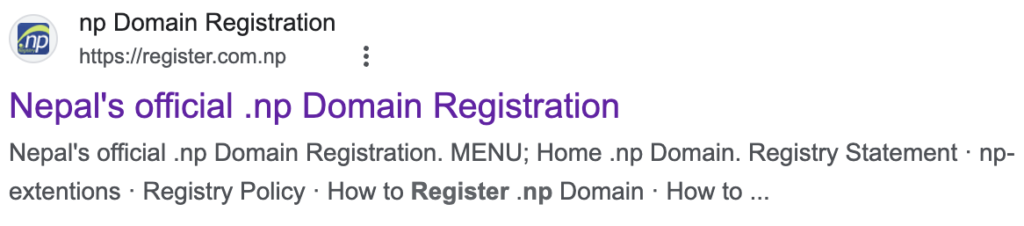
1. Go to: Register.com.np

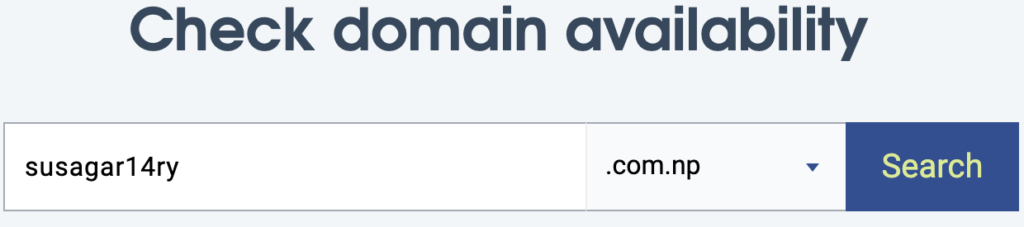
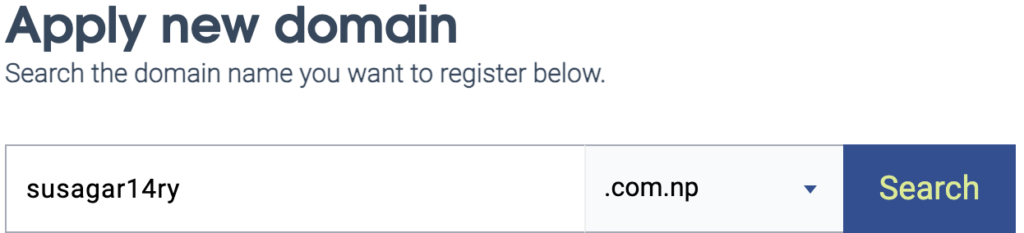
2. Choose Domain Availability
Note: You’re free to choose any Domain name you prefer.
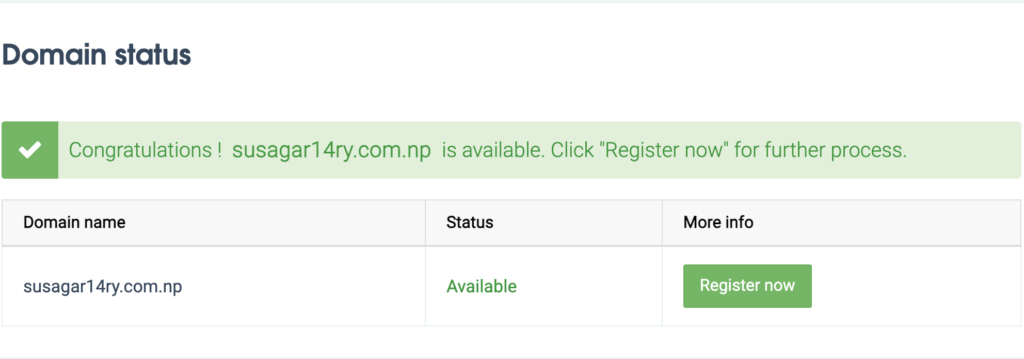
Check the Domain name you want:
If available, it seems so.
After Choosing your domain availability, let’s dive into the main processes.
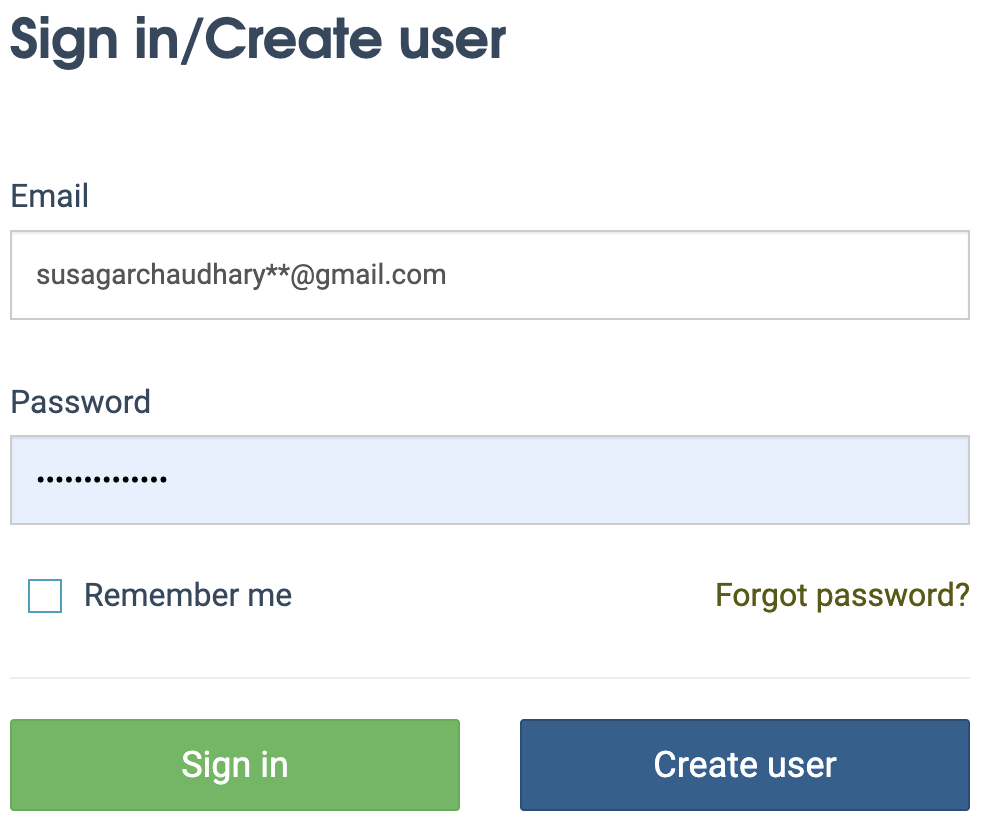
3. Create an Account
Click on User Login at the top of the right. Fill in your email and password and Click Create user, if you’ve not created yet.
After Creating an account, verify your account by clicking on the verify button on your email received.
Once, You’ve done this. You can now apply for the domain you’ve already considered or check availability.
4. Enter the Domain name
Now, C
lick on register and begin the identity verification process.

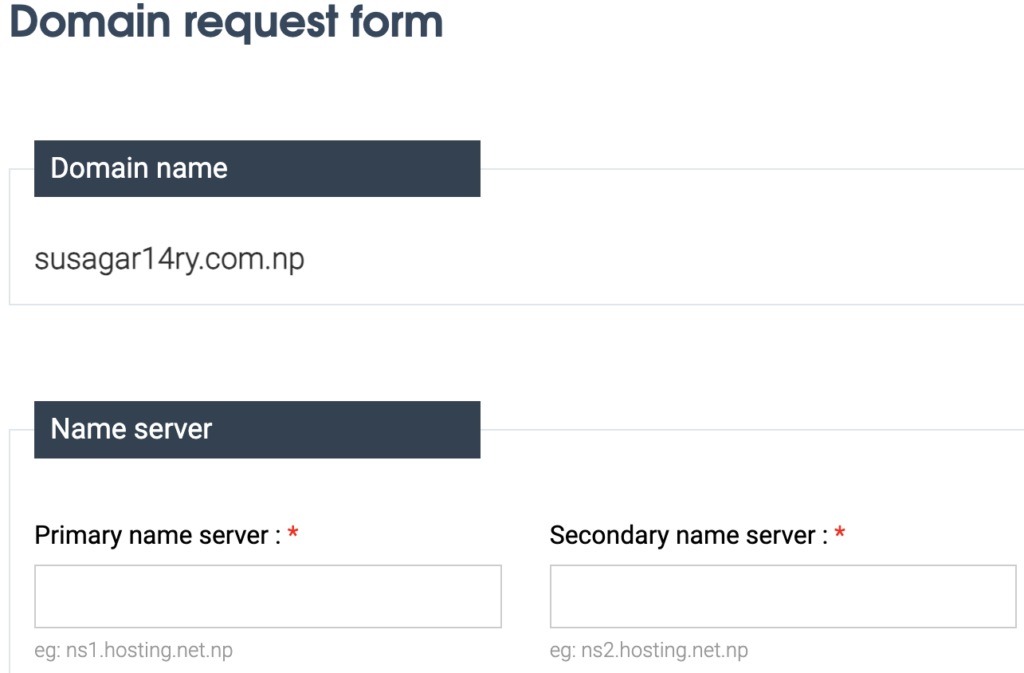
5. FIll the Domain Request Form
Form Type 1:
In this Form: Copy and paste as it is.
Later, you can edit and change it, so no worries for now.
Primary name Server: ns1.hosting.net.np
Secondary name server: ns2.hosting.net.np

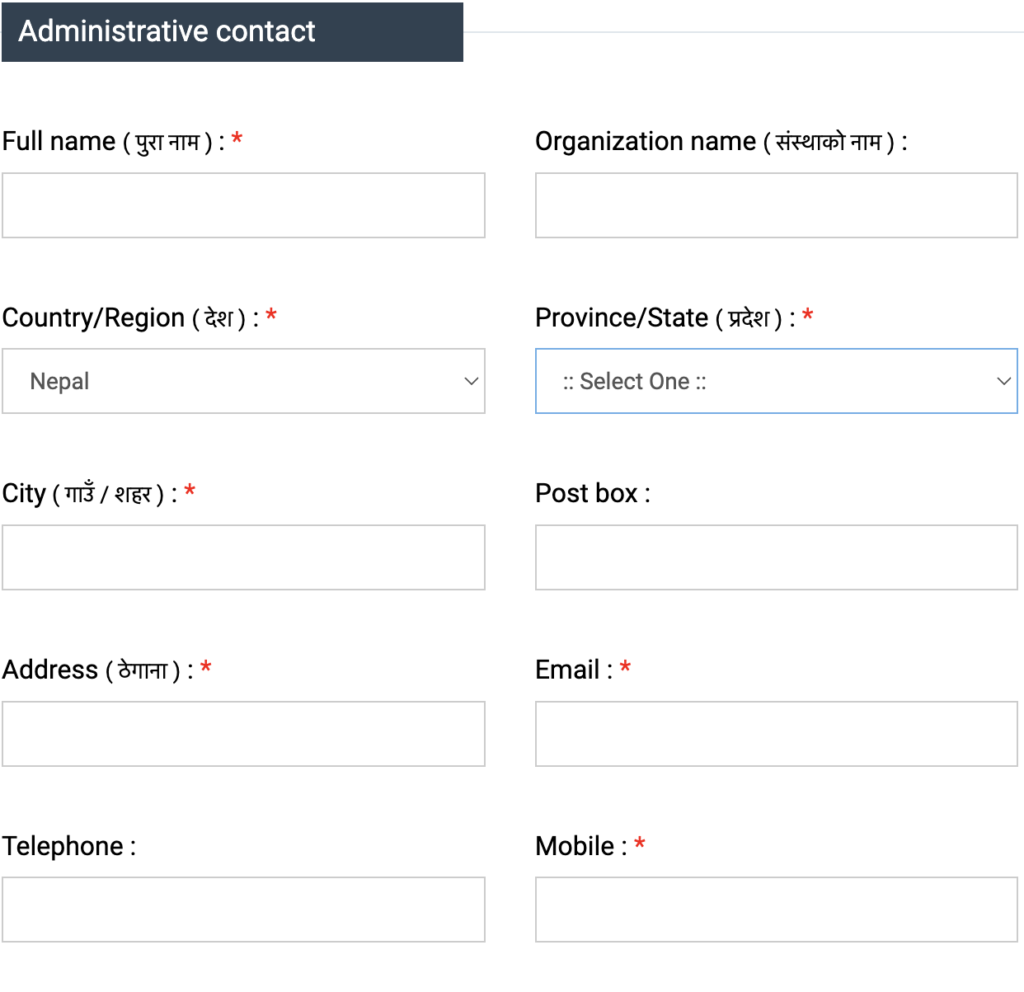
Form Type 2:
In this form, Fill the real name and address on your document.
The labels that are assigned with * are mandatory. Other labels can be skipped.
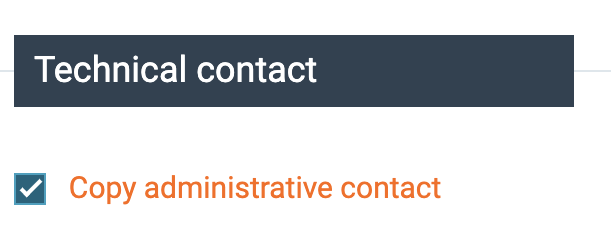
Form Type 3:
You can fill in the same information as soon as Form 2
Click on label copy and administrative contact, it automatically copies the same information from form type 2.
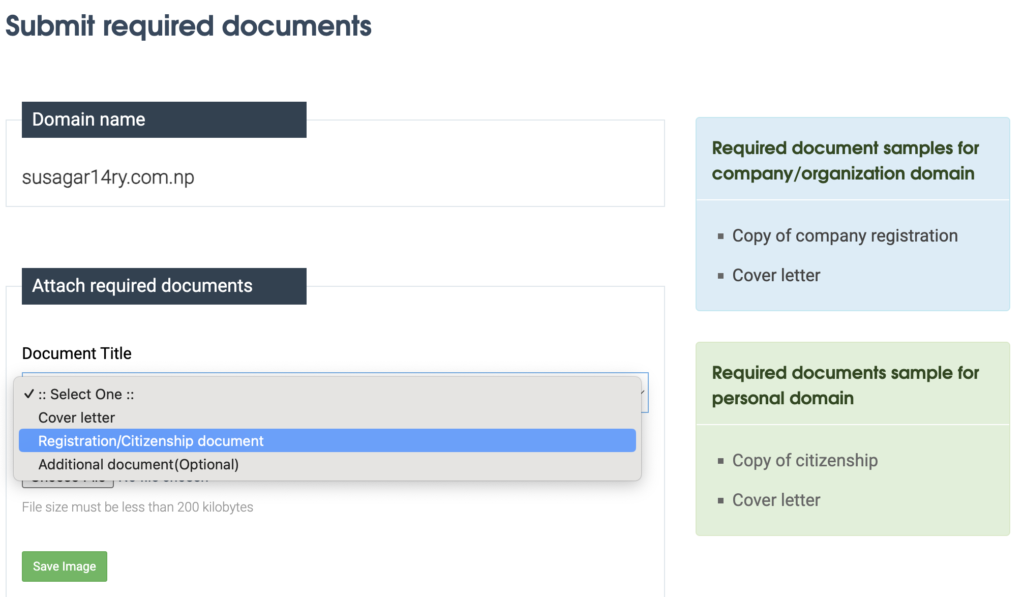
6. Submit Document and Cover Letter

For the Documentation Process, You need three things:
1. Any Document that verifies you’re a Nepalese Citizen Like Nepalese Citizenship.
2. You need to write a Cover Letter
3. Your Profile Image
Note:
For an individual: You should submit scanned images of your citizenship and a handwritten cover letter.
For an organization: You should submit a scanned image of the company’s registration certificate and a handwritten cover letter.
“You must submit the Attached image of the Front and Back of the Citizenship.”
Your document image size must be in jpg.
A sample of a cover letter to request personal domain: